 JarCasting
JustifiedTextView


JustifiedTextView is an Android View that justifies the Text! 🙌🏻
Android introduced in API level 26 the method setJustificationMode(int), which is meant to justify the text inside a TextView.
If your min API level is 26, I recommend TextView.setJustificationMode(int). But if you need to support older Android versions, JustifiedTextView is what you need
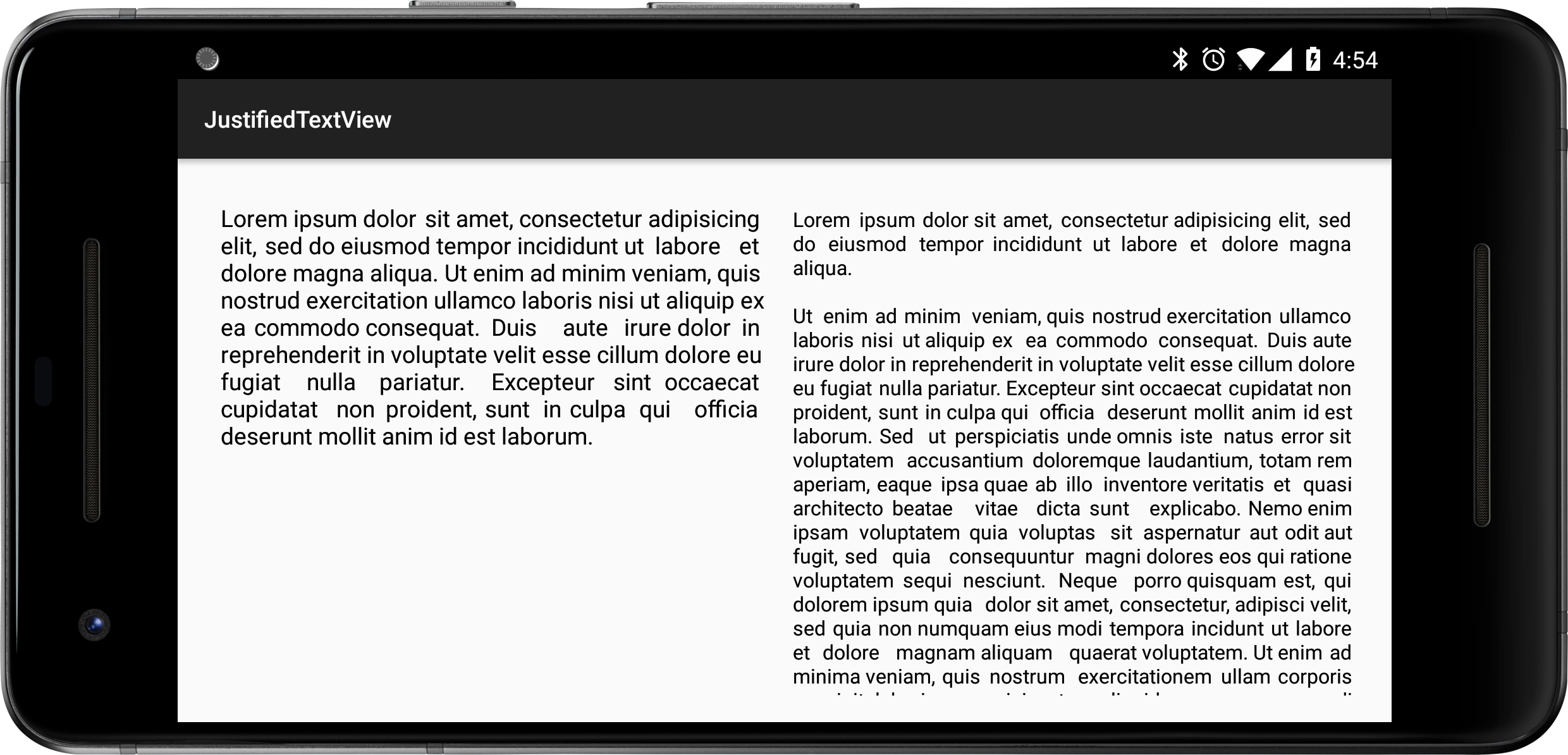
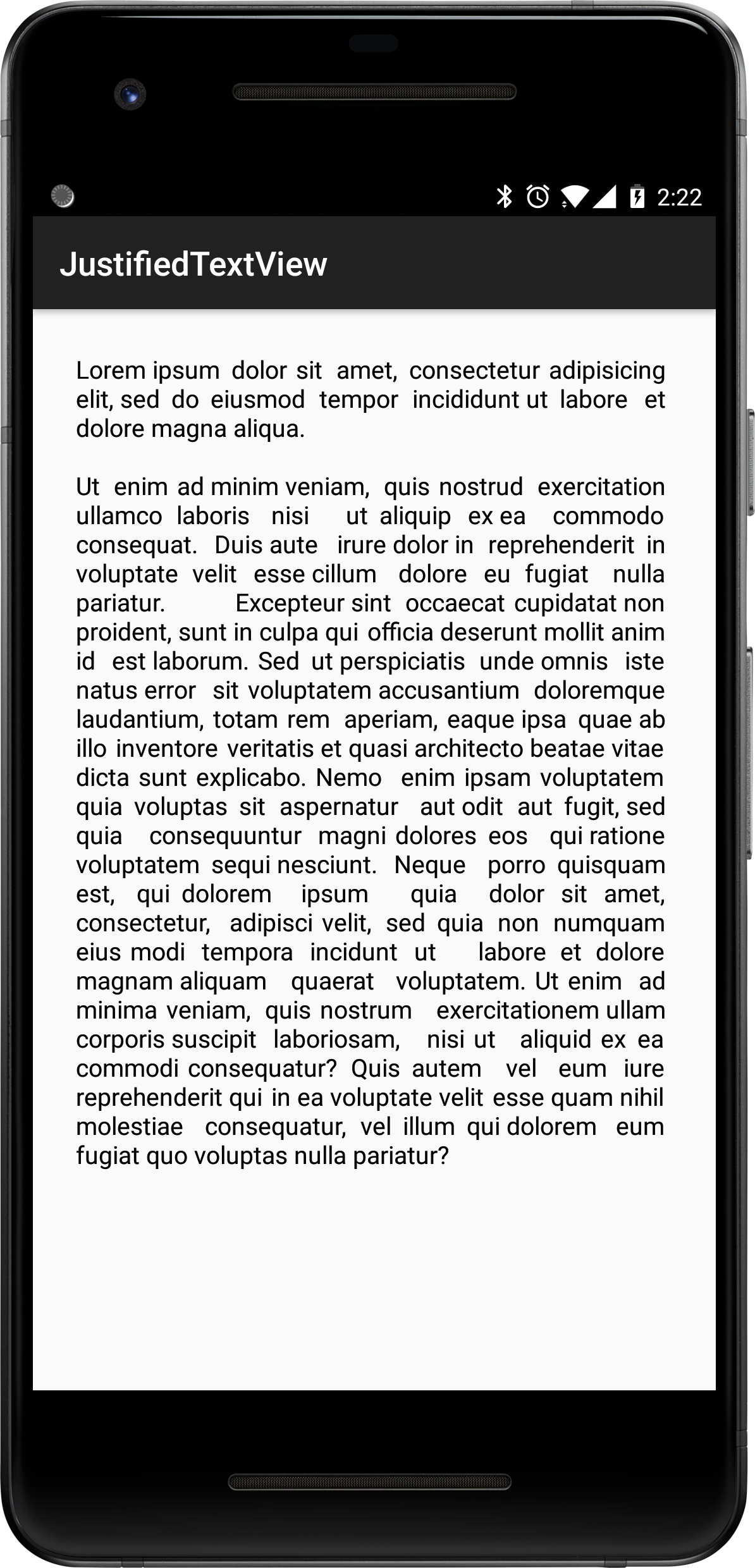
Usage
You just have to add the view in your layout:
<com.codesgood.views.JustifiedTextView
        android:id="@+id/tv_justified_paragraph"
        android:layout_width="match_parent"
        android:layout_height="wrap_content"
        android:padding="10dp"
        android:text="@string/lorem_ipsum_extended"
        android:textColor="@android:color/black"
        android:textSize="15sp" />
And that's it!
You can set the text programmatically as well 👍🏻, you can even use JustifiedTextView as a regular TextView in your java class (because it extends TextView) and the result would be the same justified text in your UI.
Here is an example:
TextView justifiedParagraph = findViewById(R.id.tv_justified_paragraph);
justifiedParagraph.setText(R.string.lorem_ipsum_extended);
Add JustifiedTextView to your project
JustifiedTextView is available on Maven Central. Please make sure you're using the latest version by checking here
Gradle:
implementation 'com.codesgood:justifiedtextview:1.1.0'
Maven:
<dependency>
    <groupId>com.codesgood</groupId>
    <artifactId>justifiedtextview</artifactId>
    <version>1.1.0</version>
</dependency>
Thanks
License
Copyright 2014 CodesGood

Licensed under the Apache License, Version 2.0 (the "License");
you may not use this file except in compliance with the License.
You may obtain a copy of the License at

   http://www.apache.org/licenses/LICENSE-2.0

Unless required by applicable law or agreed to in writing, software
distributed under the License is distributed on an "AS IS" BASIS,
WITHOUT WARRANTIES OR CONDITIONS OF ANY KIND, either express or implied.
See the License for the specific language governing permissions and
limitations under the License.