 JarCasting
Keep your bundle size in check



Setup
npm install bundlesize --save-dev

# or

yarn add bundlesize --dev
Usage
Add it to your scripts in package.json
"scripts": {
  "test": "bundlesize"
}
Or you can use it with npx from NPM 5.2+.
npx bundlesize
Configuration
bundlesize accepts an array of files to check.
[
  {
    "path": "./build/vendor.js",
    "maxSize": "30 kB"
  },
  {
    "path": "./build/chunk-*.js",
    "maxSize": "10 kB"
  }
]
You can keep this array either in
-
package.json{ "name": "your cool library", "version": "1.1.2", "bundlesize": [ { "path": "./build/vendor.js", "maxSize": "3 kB" } ] }or in a separate file
-
bundlesize.config.jsonFormat:
{
  "files": [
    {
      "path": "./dist.js",
      "maxSize": "3 kB"
    }
  ]
}
You can give a different file by using the
--configflag:bundlesize --config configs/bundlesize.json
Customisation
-
Fuzzy matching
If the names of your build files are not predictable, you can use the glob pattern to specify files.
This is common if you append a hash to the name or use a tool like create-react-app/nextjs.
{
  "files": [
    {
      "path": "build/**/main-*.js",
      "maxSize": "5 kB"
    },
    {
      "path": "build/**/*.chunk.js",
      "maxSize": "50 kB"
    }
  ]
}
It will match multiple files if necessary and create a new row for each file.
-
Compression options
By default, bundlesize
gzipsyour build files before comparing.If you are using
brotliinstead of gzip, you can specify that with each file:{ "files": [ { "path": "./build/vendor.js", "maxSize": "5 kB", "compression": "brotli" } ] }If you do not use any compression before sending your files to the client, you can switch compression off:
{
  "files": [
    {
      "path": "./build/vendor.js",
      "maxSize": "5 kB",
      "compression": "none"
    }
  ]
}
Build status for GitHub
If your repository is hosted on GitHub, you can set bundlesize up to create a "check" on every pull request.
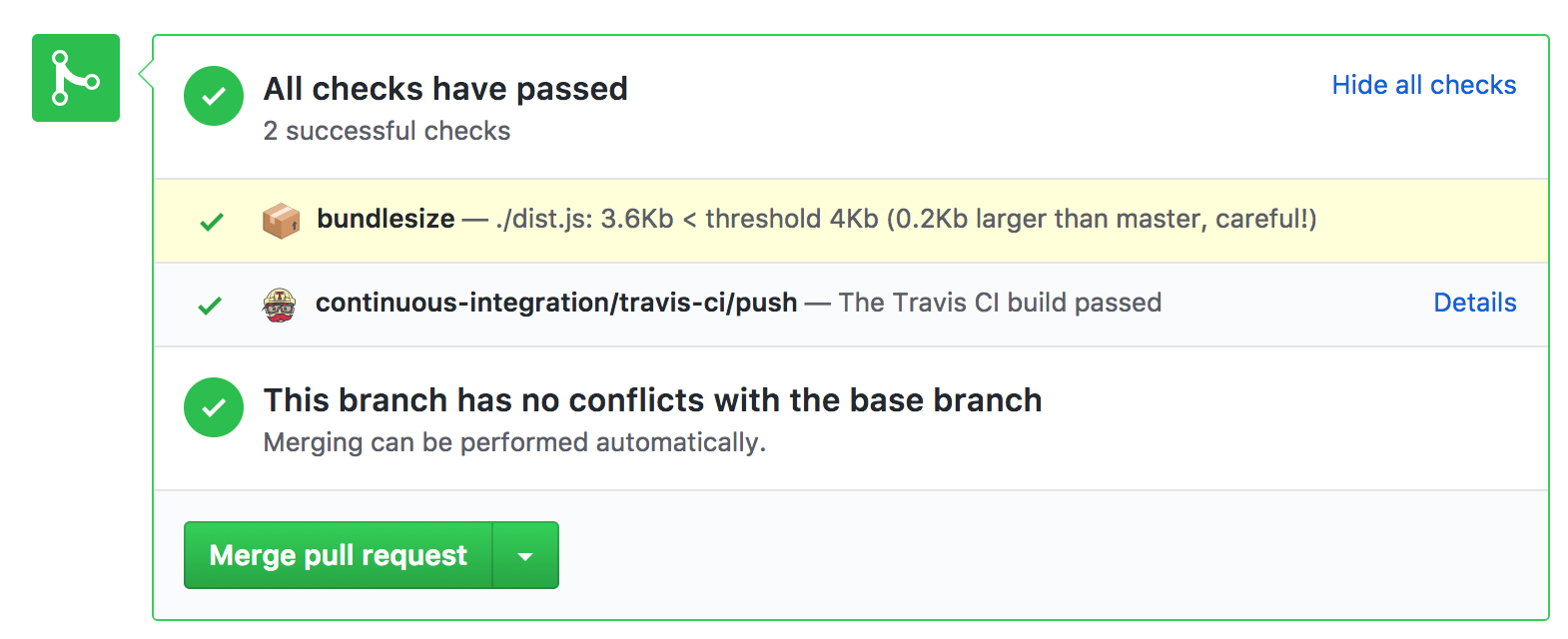
Currently works with Travis CI, CircleCI, Wercker, and Drone.
- Authorize
bundlesizefor status access, copy the token provided. - Add this token as
BUNDLESIZE_GITHUB_TOKENas environment parameter in your CIs project settings.
Using a different CI?
You will need to supply an additional 5 environment variables.
CI_REPO_OWNERgiven the repohttps://github.com/myusername/myrepowould bemyusernameCI_REPO_NAMEgiven the repohttps://github.com/myusername/myrepowould bemyrepoCI_COMMIT_MESSAGEthe commit messageCI_COMMIT_SHAthe SHA of the CI commit, in Jenkins you would use${env.GIT_COMMIT}CI=trueusually set automatically in CI environments
(Ask me for help if you're stuck)
Usage with CLI
bundlesize can also be used without creating a configuration file. We do not recommend this approach and it might be deprecated in a future version.
bundlesize -f "dist/*.js" -s 20kB
For more granular configuration, we recommend configuring it in the package.json (documented above).
Like it?
How to contribute?
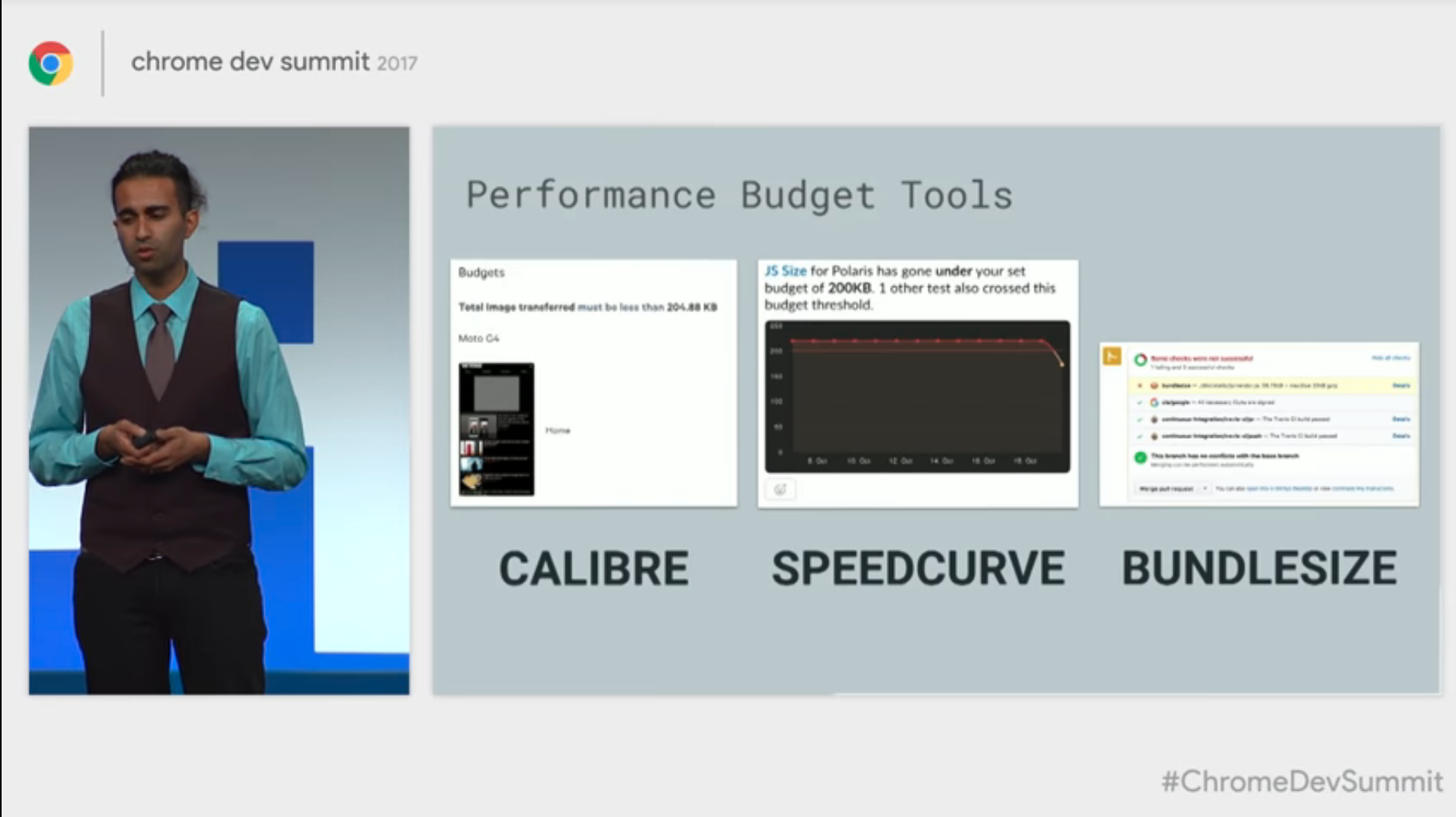
Featured on Totally tooling tips and Chrome Dev Summit!!

who uses bundlesize?
- bootstrap
- lighthouse
- styled-components
- emotion
- glamorous
- Popper.js
- react-apollo
- hyperapp
- css-constructor
- redux-saga
- micromodal
- unistore
- ngxs
TODO
similar projects
- BuildSize - GitHub App, no manual configuration required
- travis-weigh-in - Uses Python rather than Node.js
- size-limit - Uses webpack, builds your files for you.
Contributors
This project exists thanks to all the people who contribute. [Contribute].

license
MIT © siddharthkp